


This object is in archive!

IOS app does not show STATE ???
Solved
Today I added a new device - FIBARO FGSD-002 SMOKE DETECTOR ( but i have the same problem with virtual weather station)
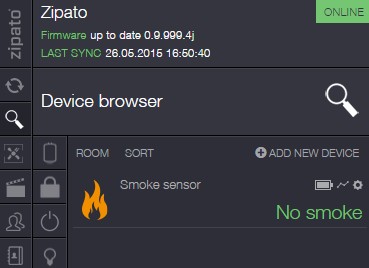
Dasboard shows the state:
IOS app does not show state:
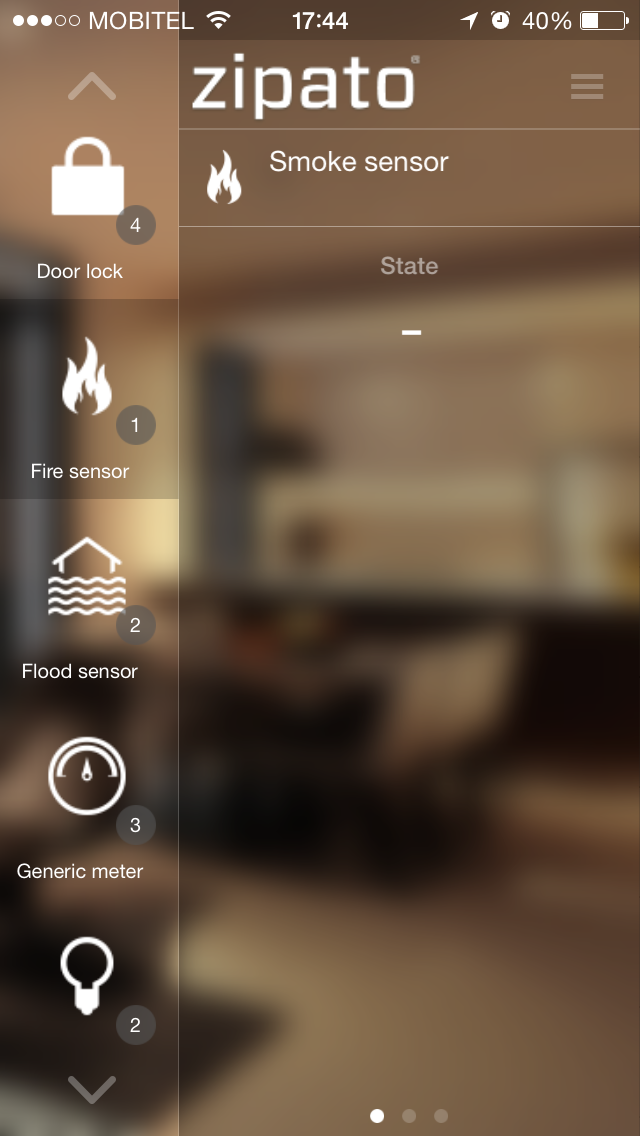
Where is the problem ????
 The same problem
You can't vote. Please authorize!
No connection
Real-time notifications may not work
My IOS App shows the state crrectly. Its the same device. I think, there is a mistake in your settings.
My IOS App shows the state crrectly. Its the same device. I think, there is a mistake in your settings.
I have same problem :(
Please help:(
My friend if resolve this issue please share it with me in this topic. Thank you.
I have same problem :(
Please help:(
My friend if resolve this issue please share it with me in this topic. Thank you.
Temperature works, Smoke detector STATE not working ???
Temperature works, Smoke detector STATE not working ???
I did try everything:
- reboot
- box firmware downgrade to 3a
- box firmware upgrade to 4
- box firmware to latest beta 4j
- remove the device
- reset the device
- add the device again
- nothing changed
I also did submit the Ticket to Zipato support, after 10h no respond.
Info about new Fibaro Smoke Detector FGSD-002
I did try everything:
- reboot
- box firmware downgrade to 3a
- box firmware upgrade to 4
- box firmware to latest beta 4j
- remove the device
- reset the device
- add the device again
- nothing changed
I also did submit the Ticket to Zipato support, after 10h no respond.
Info about new Fibaro Smoke Detector FGSD-002
This means that your problem is still not solved?
This means that your problem is still not solved?
I got the answer from Zipato support:
------------------------------------------------------------------------------------------------------------------
Please try to test the smoke sensor by pressing the test button and check again later state of the iPhone application.
------------------------------------------------------------------------------------------------------------------
I will try it today & post results here
I got the answer from Zipato support:
------------------------------------------------------------------------------------------------------------------
Please try to test the smoke sensor by pressing the test button and check again later state of the iPhone application.
------------------------------------------------------------------------------------------------------------------
I will try it today & post results here
I forgot to test, instruction, did not have time.
But funny thing is that now is working ....
I forgot to test, instruction, did not have time.
But funny thing is that now is working ....
I do not know why I can not edit the previous message .... anyway.
----------------------------------------------------------------------------------------------------------------------------
Zipato team was right, I had to press and hold the B button about 6s to activate the Smoke alarm.
Now I can see the STATE.
I do not know why I can not edit the previous message .... anyway.
----------------------------------------------------------------------------------------------------------------------------
Zipato team was right, I had to press and hold the B button about 6s to activate the Smoke alarm.
Now I can see the STATE.
Replies have been locked on this page!